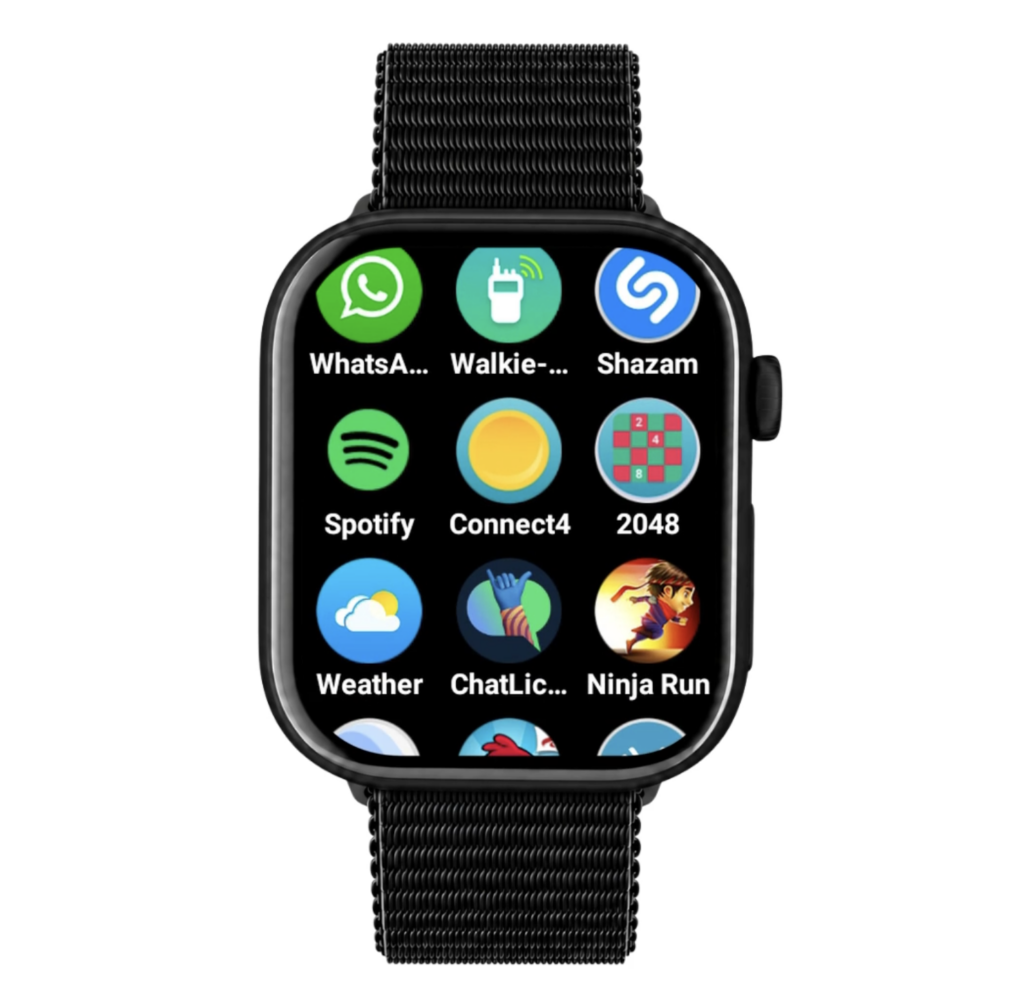
Which apps do you put on the first smartphone and which not?
The first smartphone doesn’t have to be full of apps right away. Start with what your child really needs and then add more step by step.
Use the AppGuide as a foundation for your decisions. Not with the question: is this app a no-go or perfectly fine? But: what can my child do with it, what does this app require from my child and what settings are best?
Apps for kids
- Chat apps: Useful for contact, but be aware of peer pressure, strangers, scams, and unfiltered chats.
- Browsers: Necessary for surfing the web, but set up filters, parental controls, and safe search settings.
- Streaming apps: Fun and educational, but be aware of endless viewing, algorithms, ads and age settings.
- Games: Can be creative and social, but check on in-app purchases settings, chat features, playtime, and contact with strangers.
- AI apps: Can help with learning and creation, but be aware of incorrect or inappropriate answers, privacy, and age limits.
- Social media: Usually not immediately necessary on the first smartphone. Pay extra attention to privacy, FOMO, endless scrolling, data and contact options.
- Other apps: Assess each app to determine whether it would be a meaningful addition and check what settings are needed.
Especially with social media, open chat apps, games with purchases and platforms where strangers can watch or talk along, it is smart to look at this together first. This way your child knows what to look out for before using an app becomes self-evident.
For each new app, discuss:
- What can you do with it?
- Who are you in touch with?
- Can strangers find or approach you?
- Can you spend money?
- How does its notifications work?
- What privacy settings are important?
- What do you do if you see something unpleasant?